
Wondering how to set up a creative blog in 2020? The process has become easier than ever. In this post you’ll learn how to launch your own site in three simple steps.
All three of my creative blogs: Michelle Hickey Design, A Podcast for Creatives and Elegance and Enchantment (this one) are in need of redesigns and I’m giddy with excitement. Ever since starting my first site, over ten years ago, I’ve been in love with the entire process. Not only the design work but the back end, where I get to tinker, tweak and figure out how to make all those buttons work the way I want them to.
But it didn’t start out that way. These redesign plans got me reminiscing about setting up my first creative blog, and the memories are not very fond.
I had no experience, no confidence, and no web skills. Yes, we still called it “the web” back then. Occasionally “the net.”
Ye Olde Days of Web Design
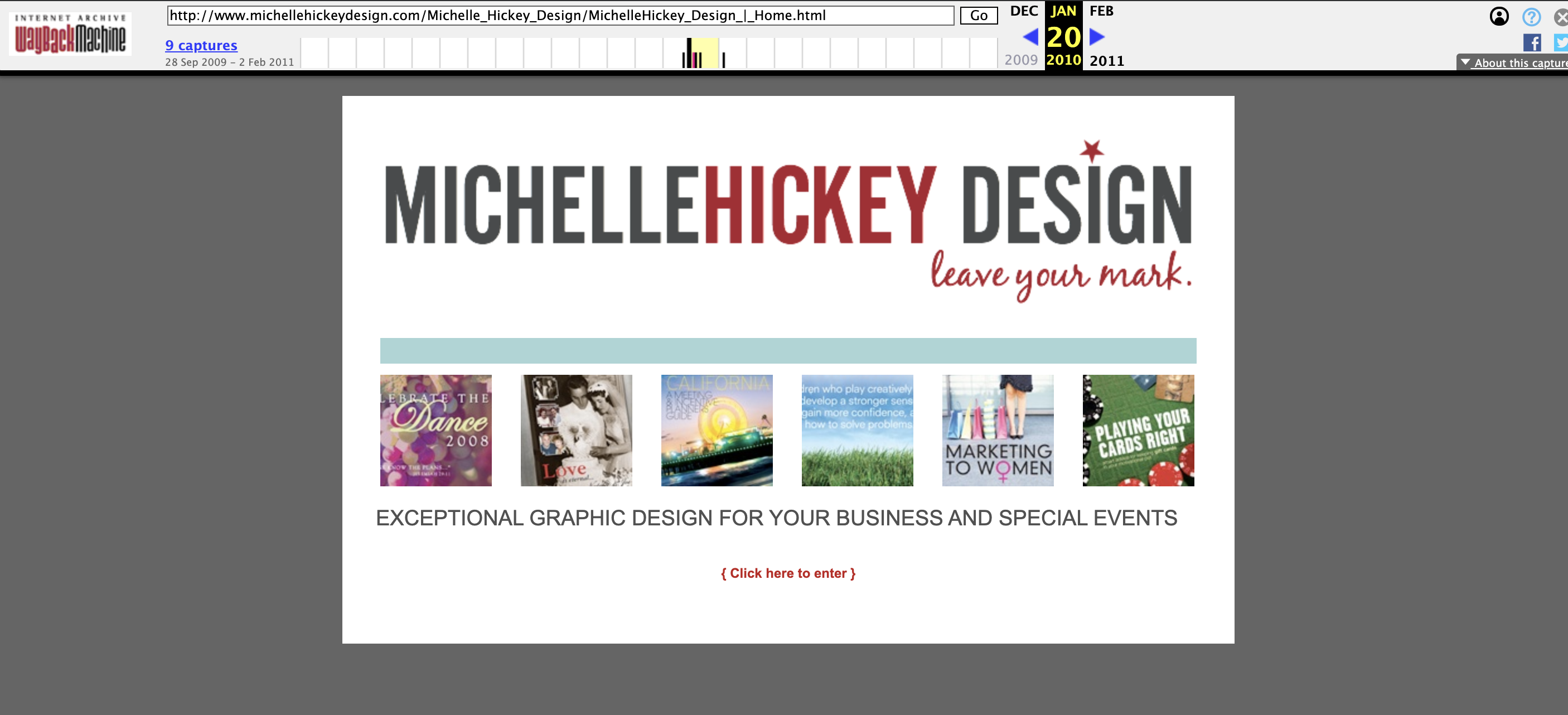
There was no Pinterest, YouTube was still fairly new, and tutorials were hard to come by. I wasn’t exactly positioned for success, but my excitement for creating a space where I could share my work and connect with others trumped the challenge of getting it all set up. Here’s a look at my very first site, from January 2010!
Get excited about setting up your creative blog
You won’t find this step included in very many tutorials, but I think it is imperative if you want everything else to work. You’re reading this post for a reason. You have a desire to set up a creative blog. Throw some extra kindling on that desire and turn it into a full-fledged passion.
Create a Pinterest board and start pinning examples of beautiful creative blogs that catch your eye. Or you can save them as bookmarks in a folder in your web browser. I still have mine from when I first started my blogging journey!
Once you’re feeling inspired and eager to execute, it’s time to get set up.
But wait!
What are you going to blog about? Do you need topic ideas? A content plan? Do you need sponsors? To join an ad network? How are you going to get people to visit your creative blog? Do you need to set up social media first?
👆🏼You can tell all of the above questions (and ones like it) to take a hike.
Do not wait to try to figure out every little detail before you get started. I liken setting up a blog to building a house. There’s no point in picking out a new couch if you don’t have a place to put it.
Set up your creative blog first. Worry about everything afterward. You will feel much more ready to tackle those questions, knowing that your beautiful blog is set up and ready for content and visitors.
SETTING UP YOUR CREATIVE BLOG IN THREE STEPS
Step 1: Purchase your domain
The domain name is your address, or the www.(fill in the blank). It’s like securing a piece of land, where people know to find you, except it’s on the Internet.
If you decide to use Bluehost.com, you get to skip this step, because your domain will be included with your hosting for free, for your first year.
Step 2: Sign up for hosting
This is your site’s house, where you keep all of your stuff. It’s where you write your blog posts, build web pages and store all of your images, files, and text. You can think of paying for hosting like paying rent or paying your mortgage.
Bluehost.com covers all of your hosting needs, seamlessly integrates with WordPress, and has 24/7 support. To me, it’s not worth considering another option. It’s where I host all three of my sites (and have been for years).
Because they have been around forever, not only are they reliable, but they have the capabilities to keep up and evolve with the ever-changing internet.
A great example of this is the fact that they now include a free SSL certificate with your hosting. You know when you go to a website and you see https at the beginning of a URL instead of http? This means that the site is secure, and it has become the new standard for legitimate websites and small blogs like us.
Without that SSL certificate, you run the risk of security issues and being dinged by Google, which will keep your site ranked low in their algorithm (nobody will be able to find your site).
Make it easy on yourself. Bluehost will keep you secure, supported, and you can get everything you need in a single package, for an awesome intro rate of $2.95/month.
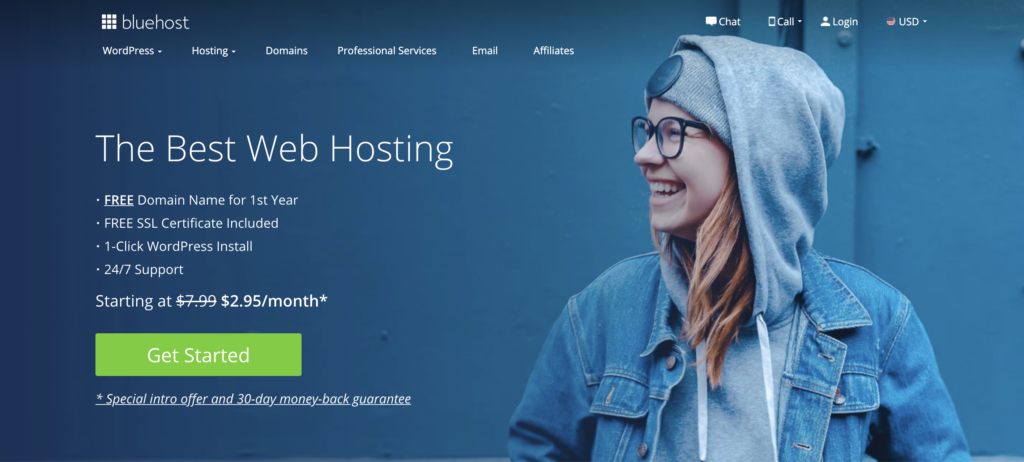
Once you’ve signed up with Bluehost you can install WordPress simply by hitting the “install” button inside of your Bluehost CPanel (shorthand for Control Panel).
Step 3: Choose your theme
When you make it to this step, it is going to feel like a treat. Everything should be set up by this point. Your home is built, people know where to find you, and now you get to decorate ::jazz hands::.
Themes are customizable, so you can tweak them to your liking, and unlike using other platforms, like Squarespace, with Bluehost + WordPress, your design options are limitless.
WordPress does offer some free theme options (that you can customize) but I’ve purchased most of my WordPress site themes from a site called Envato Market. There are some great options on Creative Market as well.
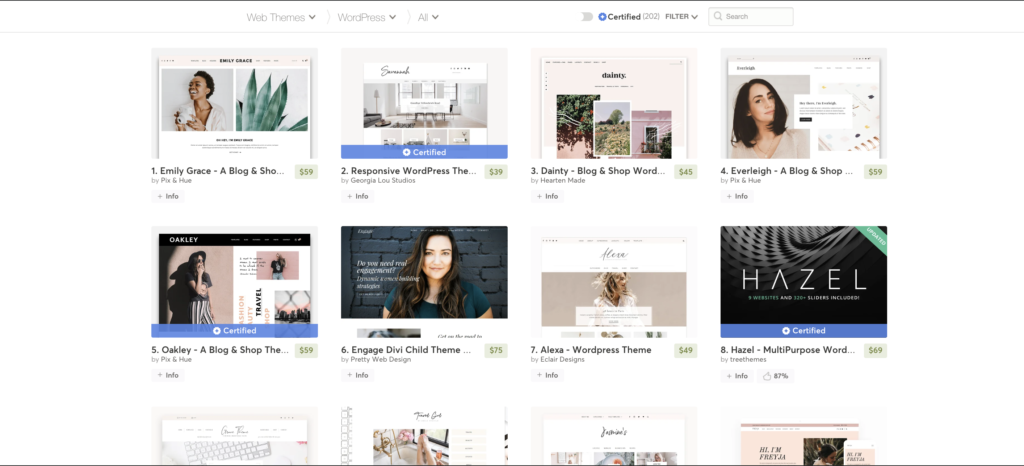
Keep in mind, as you’re shopping for themes, to search specifically for the platform that you’re working with (in your case, WordPress). You’ll also start to notice that some of the more expensive themes come with added functionality. Trying to choose the right one can be a bit overwhelming, so I recommend that you do a little window shopping before you begin your search.
As you’re browsing the internet, or scrolling through Pinterest, take note of the blogs that you like and why you like them. Are there particular elements that you’d like to replicate on your site? Write them down.
For example, you may come across a particular style of category boxes or related posts that you would like to style yours after. Keep in mind that almost all themes can be customized to your liking— you may just need to work with a developer to fully execute your vision. I like to start with a theme that is as close to how I want it to look as possible, just so there’s less work to be done.
Start blogging and growing
With these three steps completed, your home is built, decorated, and ready for company. You can begin generating blog posts and inviting people to stop by to have a read.
Even though the setup process was a lot more grueling than today, I’m so grateful that I took steps to set up a creative blog. It has led to endless creative opportunities and fulfillment for me that only continues to grow.
I’m so excited for you and the start of your blogging journey. Once your site is live, shoot me a message on Instagram so that I can check it out!
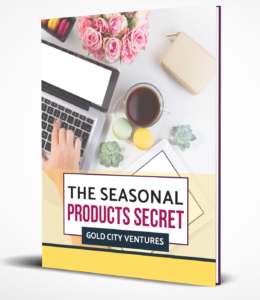 A must-read for Etsy Sellers
Do you already have your Etsy shop built, or plan to soon?
If you’re wondering what types of printable designs sell best, you’ll definitely want to check out my friends Julie and Cody’s free eBook, Seasonal Products Secret. Click here to download it for free.
This post contains affiliate links. If you make a purchase, I make a small commission at no extra expense to you. Thank you for supporting my business!